
Make the most of every sheet
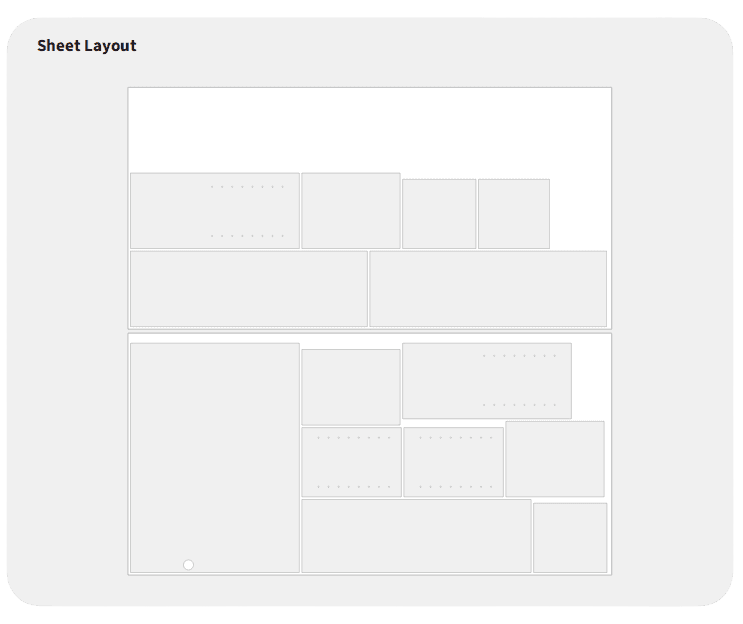
Automatically arrange parts into efficient, production-ready sheet layouts.
How it works
Key features
DXF and SVG in and out
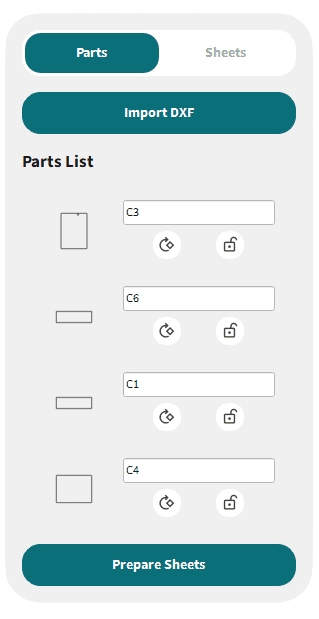
Import parts from CAD or design software, nest them, then export a production DXF or SVG, or a PDF nesting report for the floor.
Shop-ready defaults
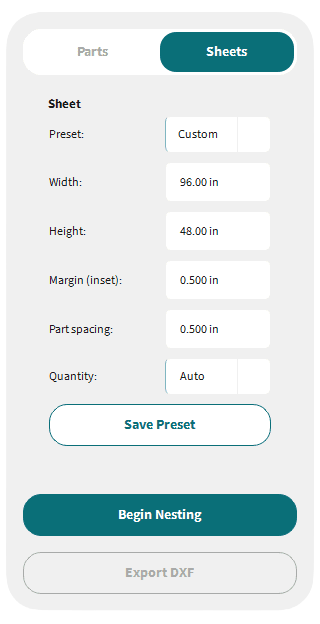
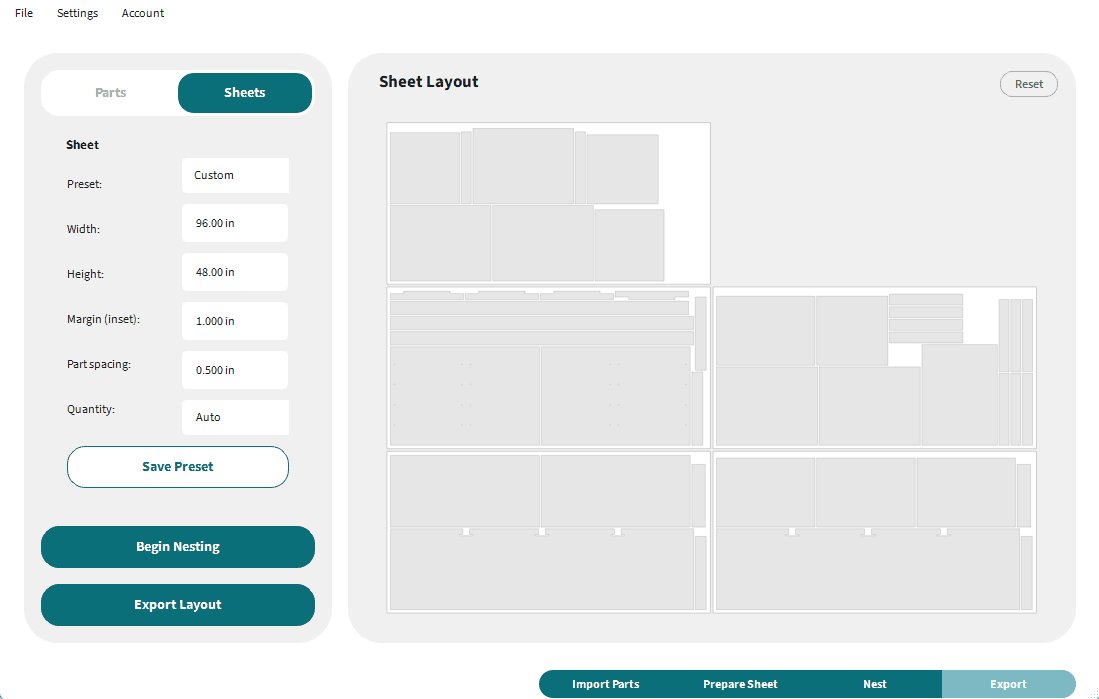
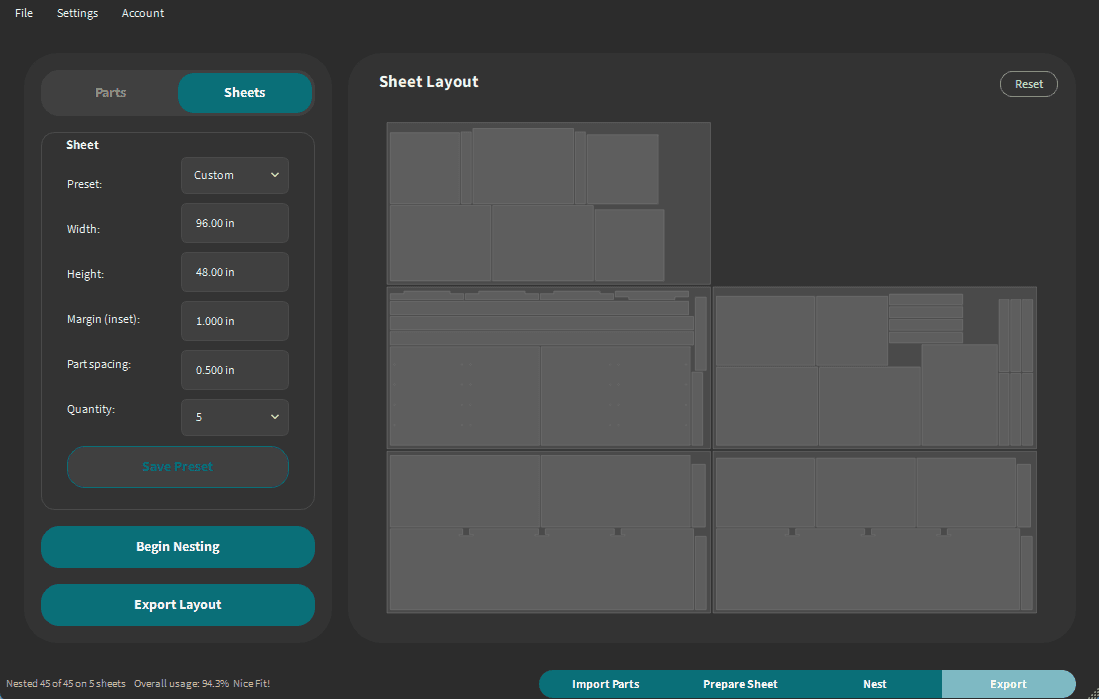
Save sheet size, quantity, margin, and spacing once. Choose light mode, dark mode, or follow your system.
Local and private
Nesting runs on your Windows PC. Layouts stay on your machine, with no cloud upload of your design files.
Sheet preferences
Set your defaults once
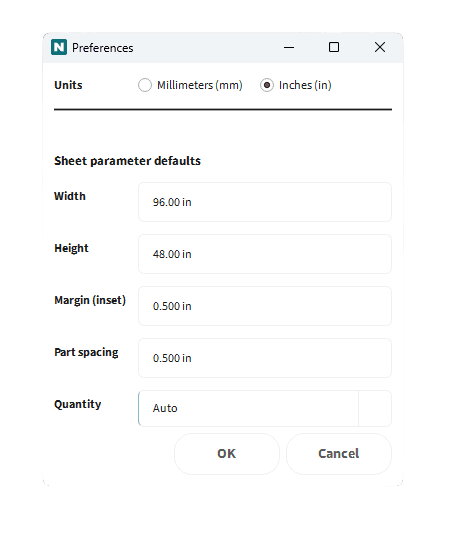
Configure sheet size, quantity, margin, and spacing in Preferences, then save them so you are not re-entering the same shop standards on every job.
- Set default sheet size, quantity, edge margin, and part spacing once.
- Save those values so every new job starts with your shop standards.
- Work in millimeters or inches. Switch units anytime and the app updates throughout.
Nesting report
A PDF of the whole nest
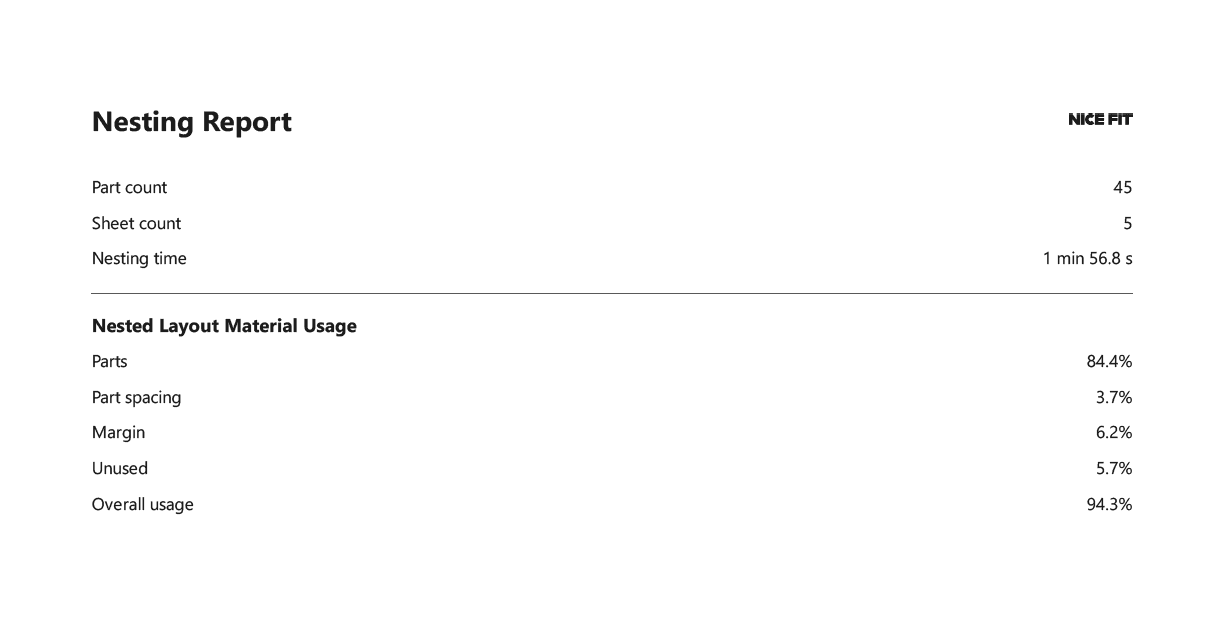
When the layout is done, export a PDF nesting report with job stats plus every sheet so you can review, print, or hand it off without opening the production file.
- Stats cover part count, sheet count, nesting time, and material usage: parts, spacing, margin, unused area, and overall usage.
- Following pages show each nested sheet so the floor sees the layout, not only the numbers.
Appearance
Choose your preferred appearance
Work in light mode or dark mode, or let Nice Fit follow your system setting. Switch anytime under Preferences → General.
Why Nice Fit
Core benefits
Tap a benefit for details.
Maximize material usage
Algorithmic packing puts parts tighter than hand-arranging, for less scrap and lower material cost on every sheet.
Maximize material usage
Algorithmic packing puts parts tighter than hand-arranging, for less scrap and lower material cost on every sheet.
Who it's for
Tap a row for details.
Furniture & cabinet shops
Nest panels, doors, and components without hours of manual arranging in CAD.
CNC, laser & plasma
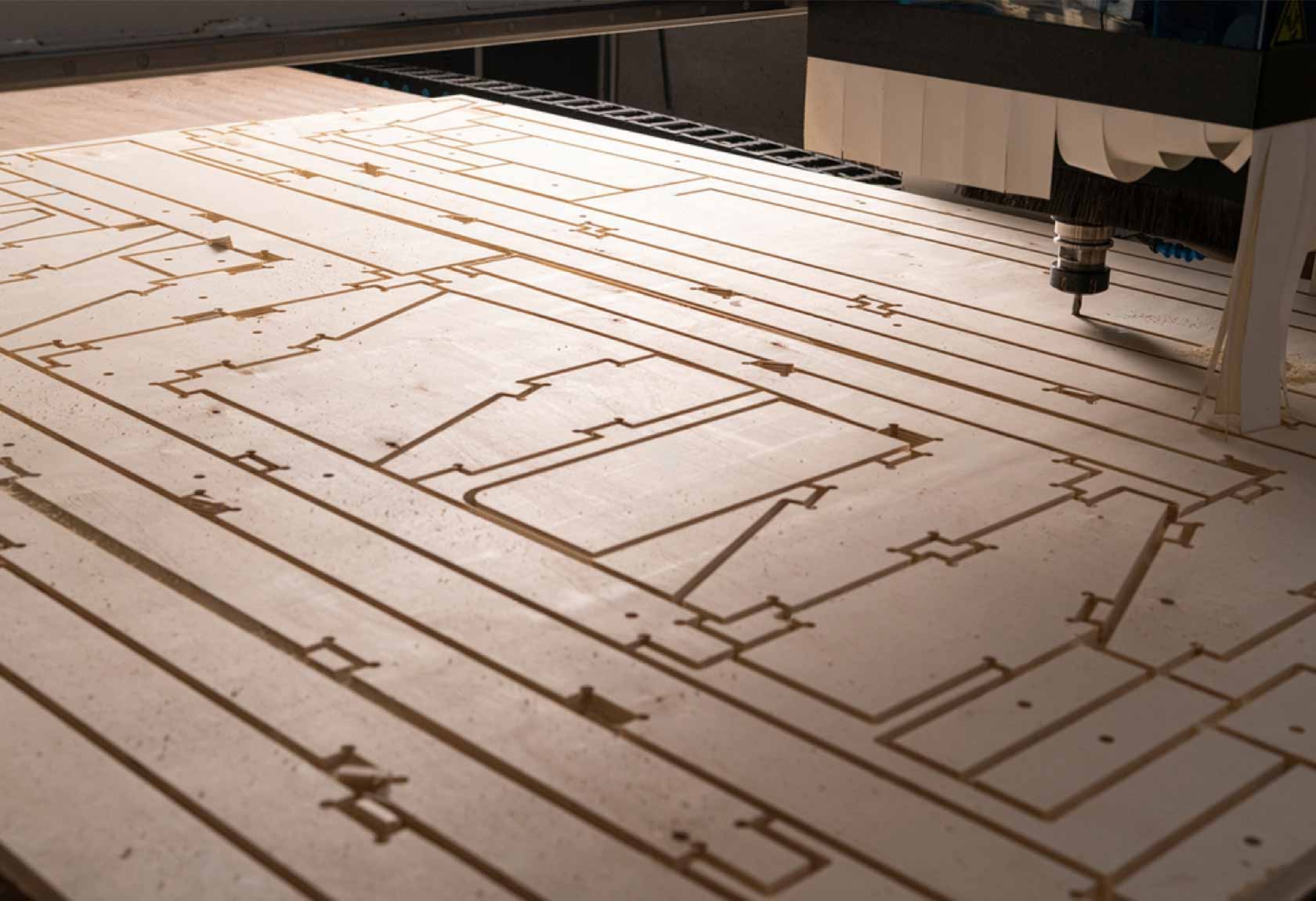
Tighter sheet layouts mean less scrap and material waste.
Sign makers
Pack letters, logos, and cutouts efficiently on standard sheet sizes.
Engineers & fabricators
Prepare pieces straight from your CAD file, ready to send to the shop floor.
Ready to nest smarter?
Download the Windows app and try Nice Fit free for 7 days. Your files stay on your PC.
Windows desktop app7-day free trialCancel anytimeFiles stay on your PC